Files, neatly organized
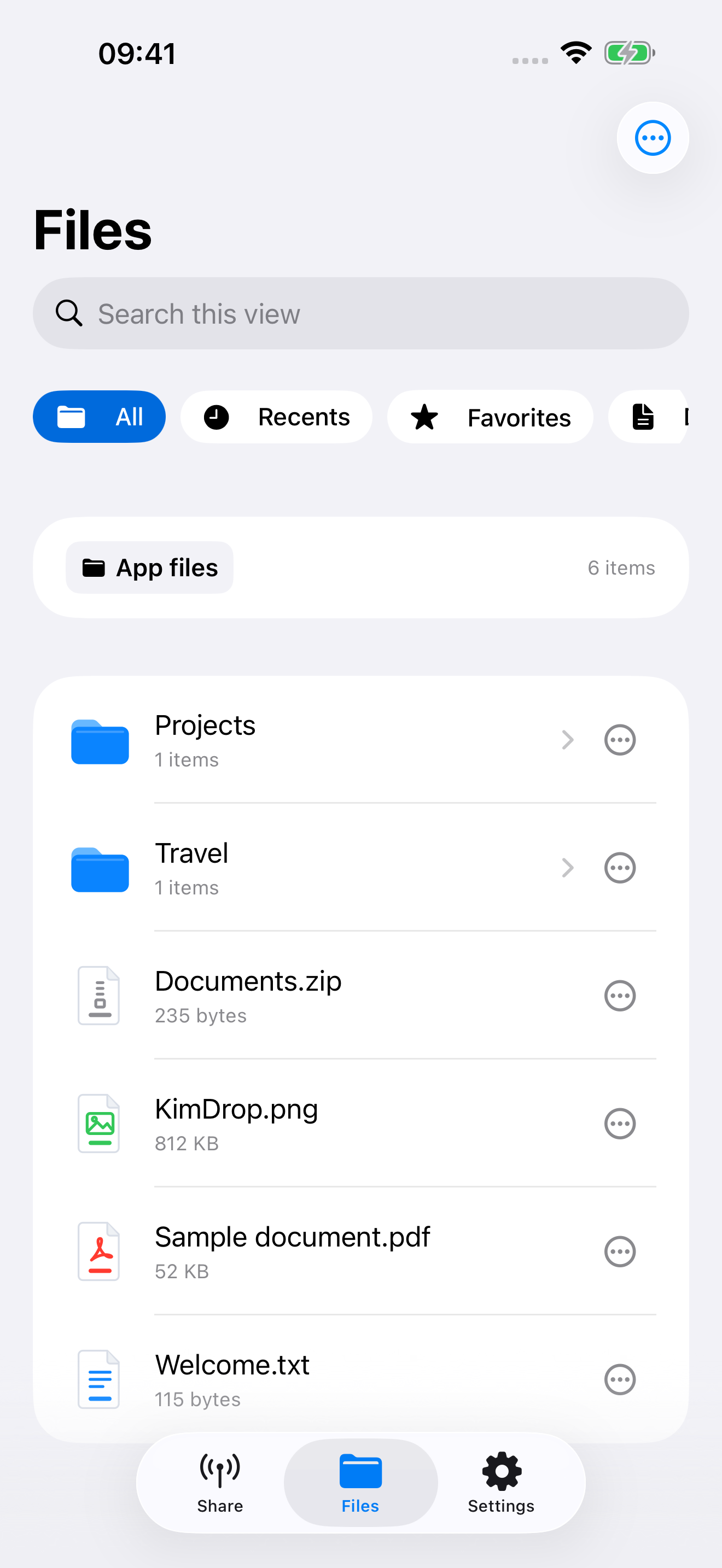
Upload and download app files, create folders, rename, move and extract archives from your computer. Import and preview common files on iPhone.
YOUR FILES. YOUR WI-FI.
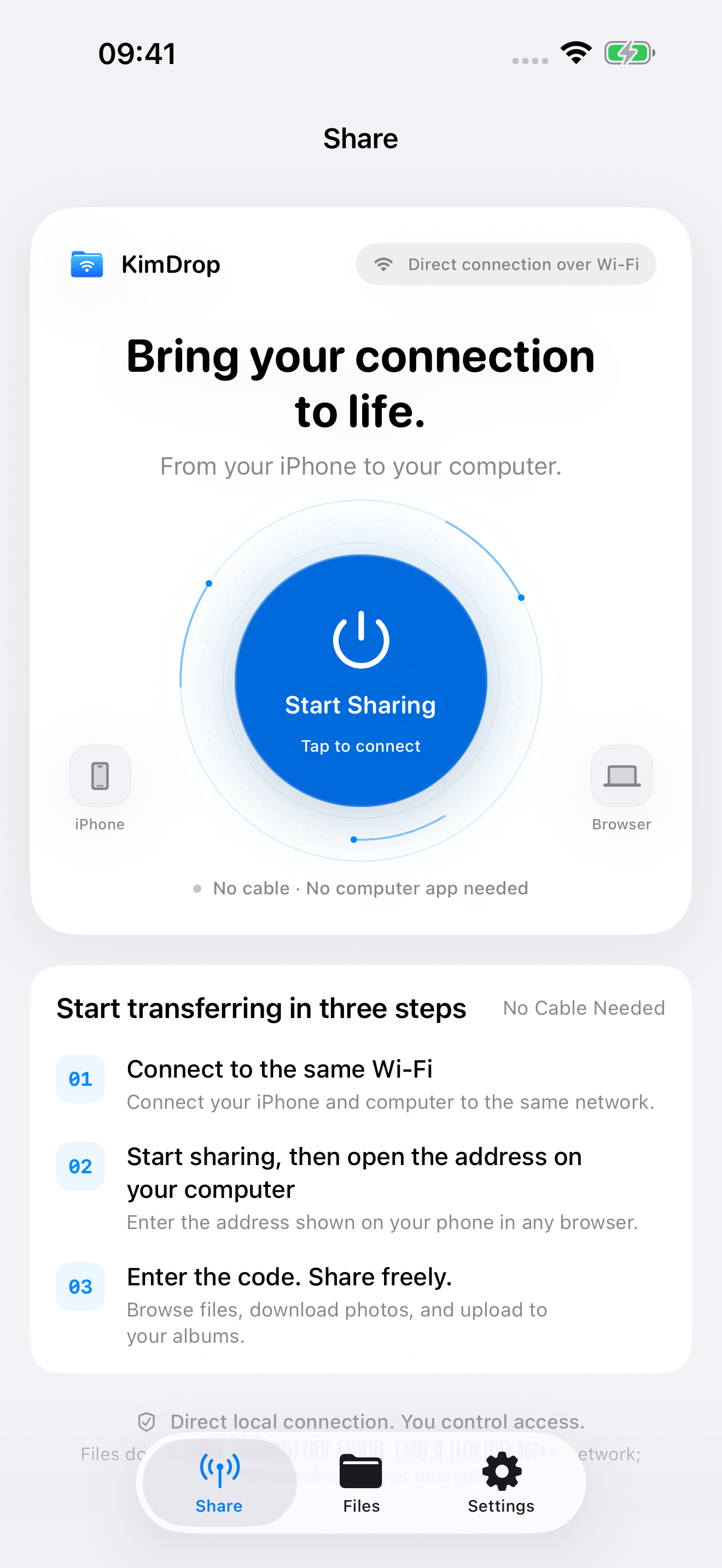
Transfer files between your iPhone and a computer browser over the same Wi-Fi. No account or desktop app required.
Coming soon to the App Store
MADE FOR EVERYDAY FILES
No cable and no desktop installation. Use a familiar browser to manage your files and photos.
Upload and download app files, create folders, rename, move and extract archives from your computer. Import and preview common files on iPhone.
With permission, browse, filter and download photos and videos in your browser, or upload images to Photos. Photo deletion requires confirmation on iPhone.
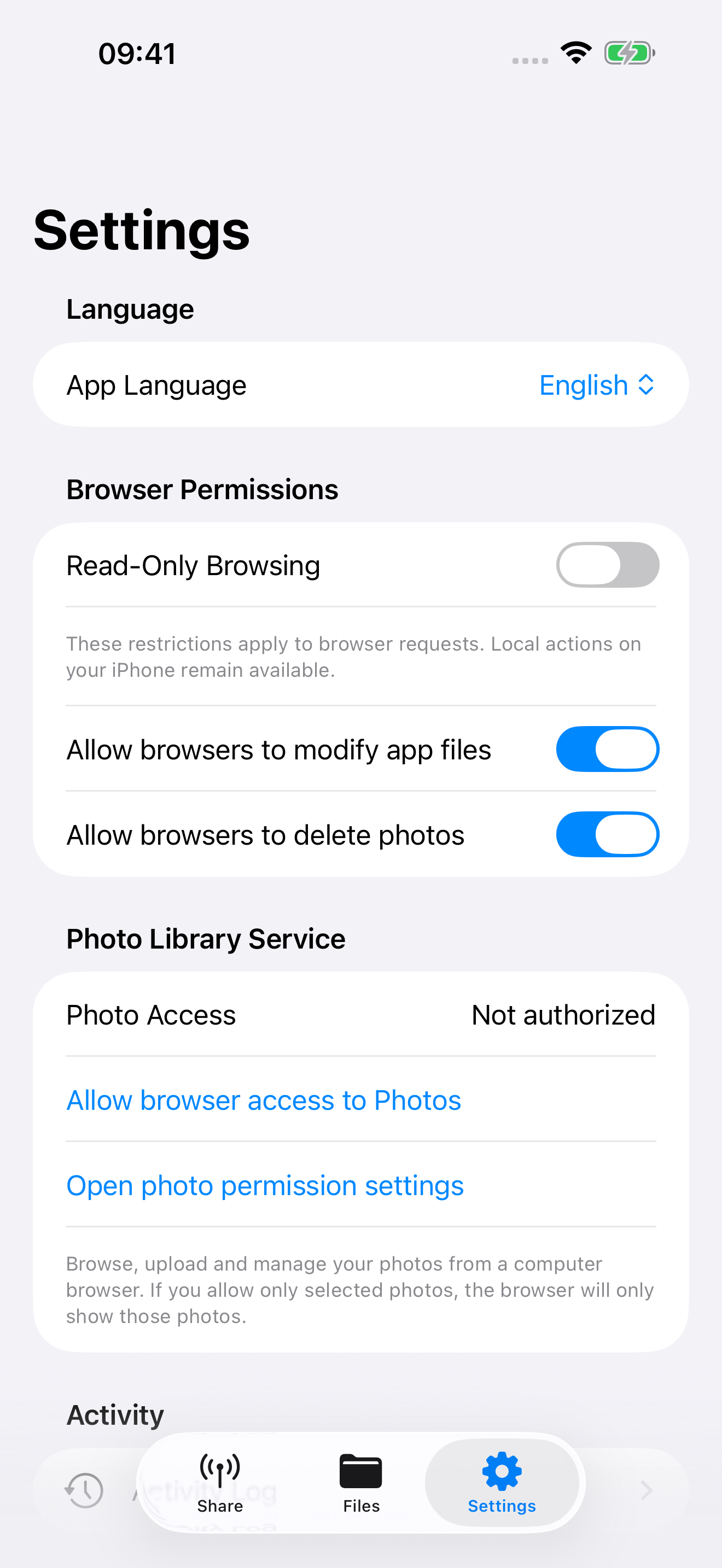
A four-digit access code, browser read-only permissions, automatic locking and session revocation. Stop sharing to disconnect browser sessions.
THREE SIMPLE STEPS
Connect your iPhone and computer to the same trusted network.
Open KimDrop, tap Start Sharing, and keep the app in the foreground.
In your computer browser, open the full address shown in the app and enter its current four-digit access code.
INSIDE KIMDROP
Actual screens from the iPhone app.
LOCAL BY DESIGN
KimDrop does not operate a file-upload server or collect files, photos or usage analytics. Transfers take place between your iPhone and an authorized browser on your local network.
If an original is stored only in iCloud, Apple Photos may download it when you request it. Preview compatibility depends on the file format, codec and system support.
Read the full privacy policy →